
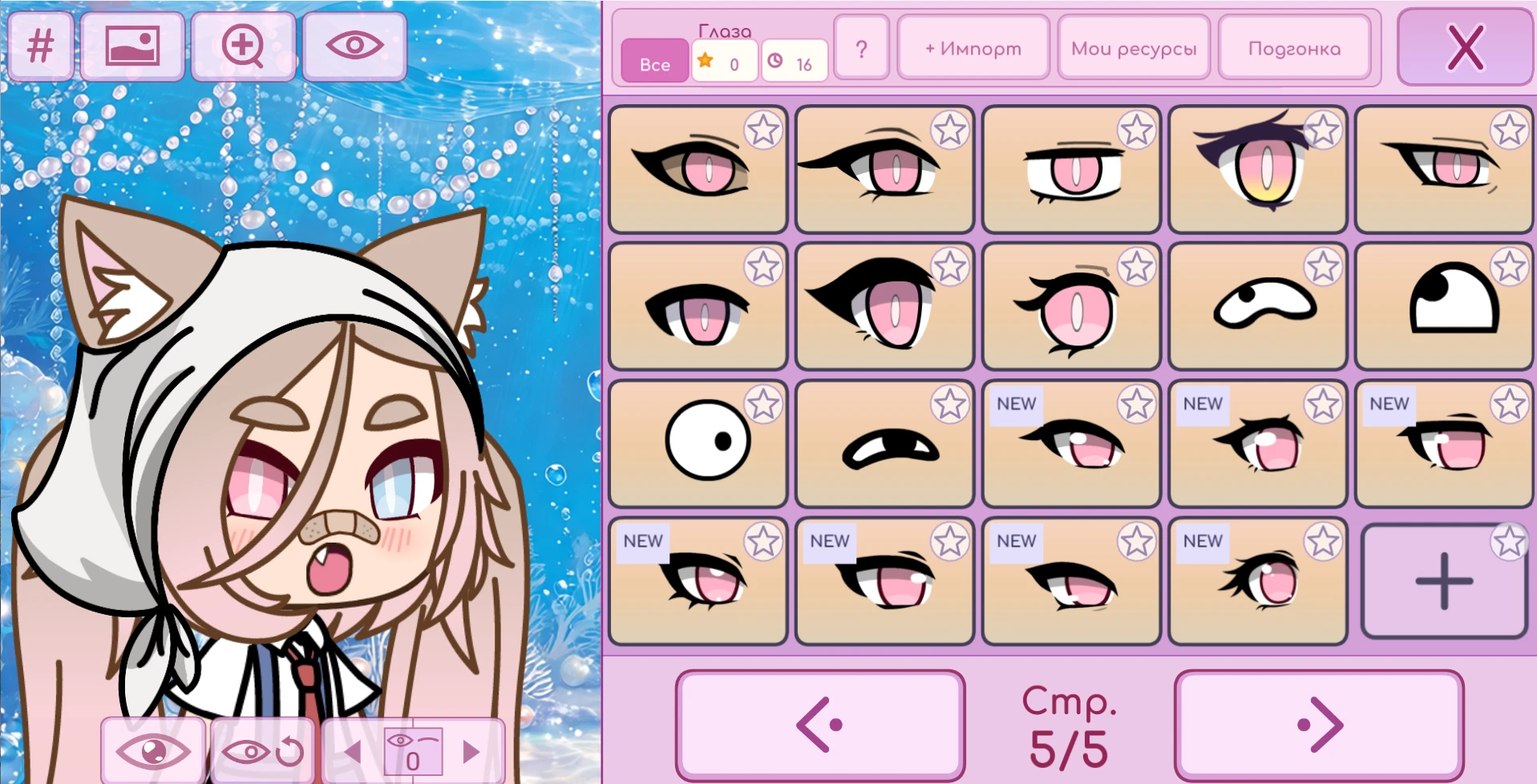
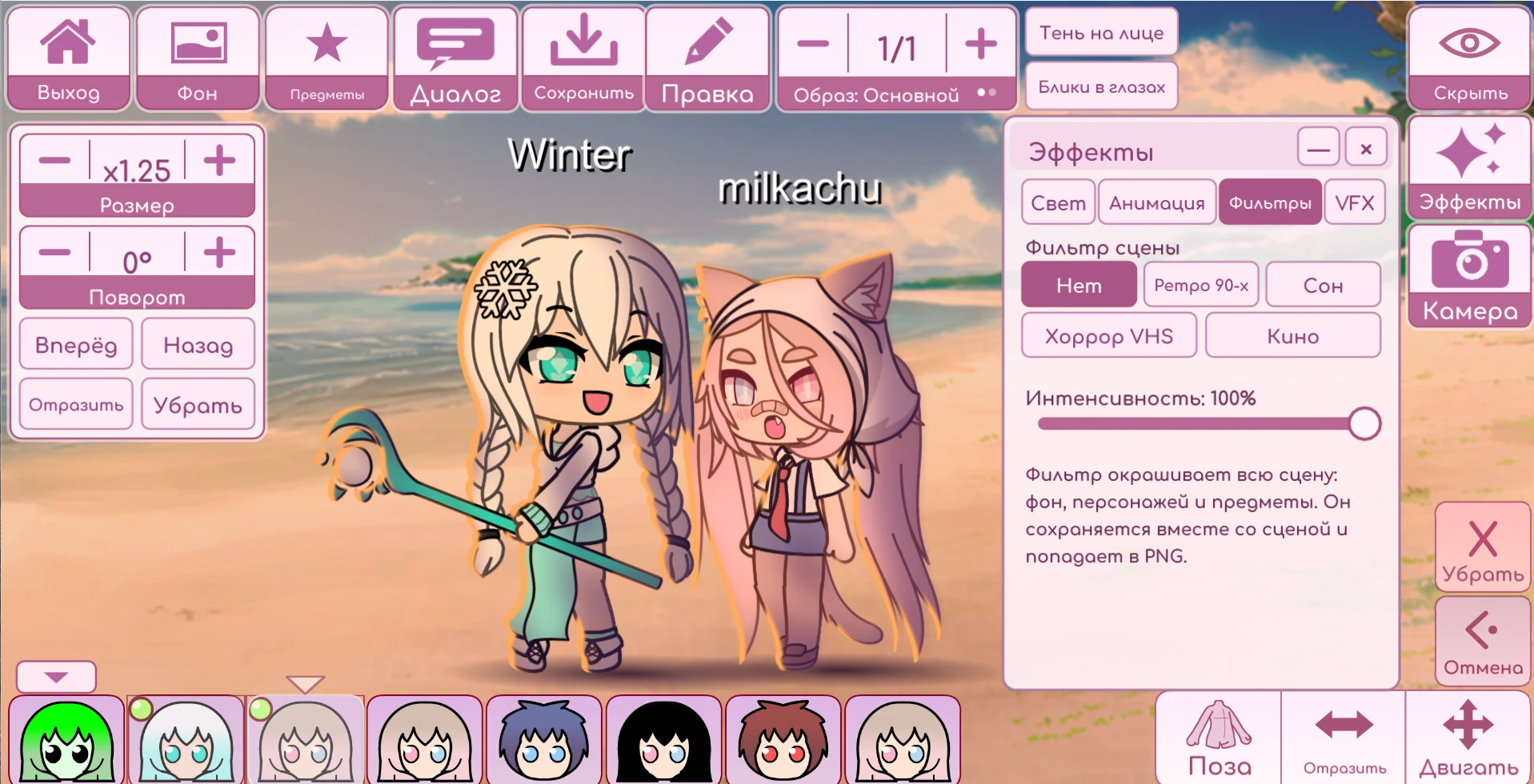
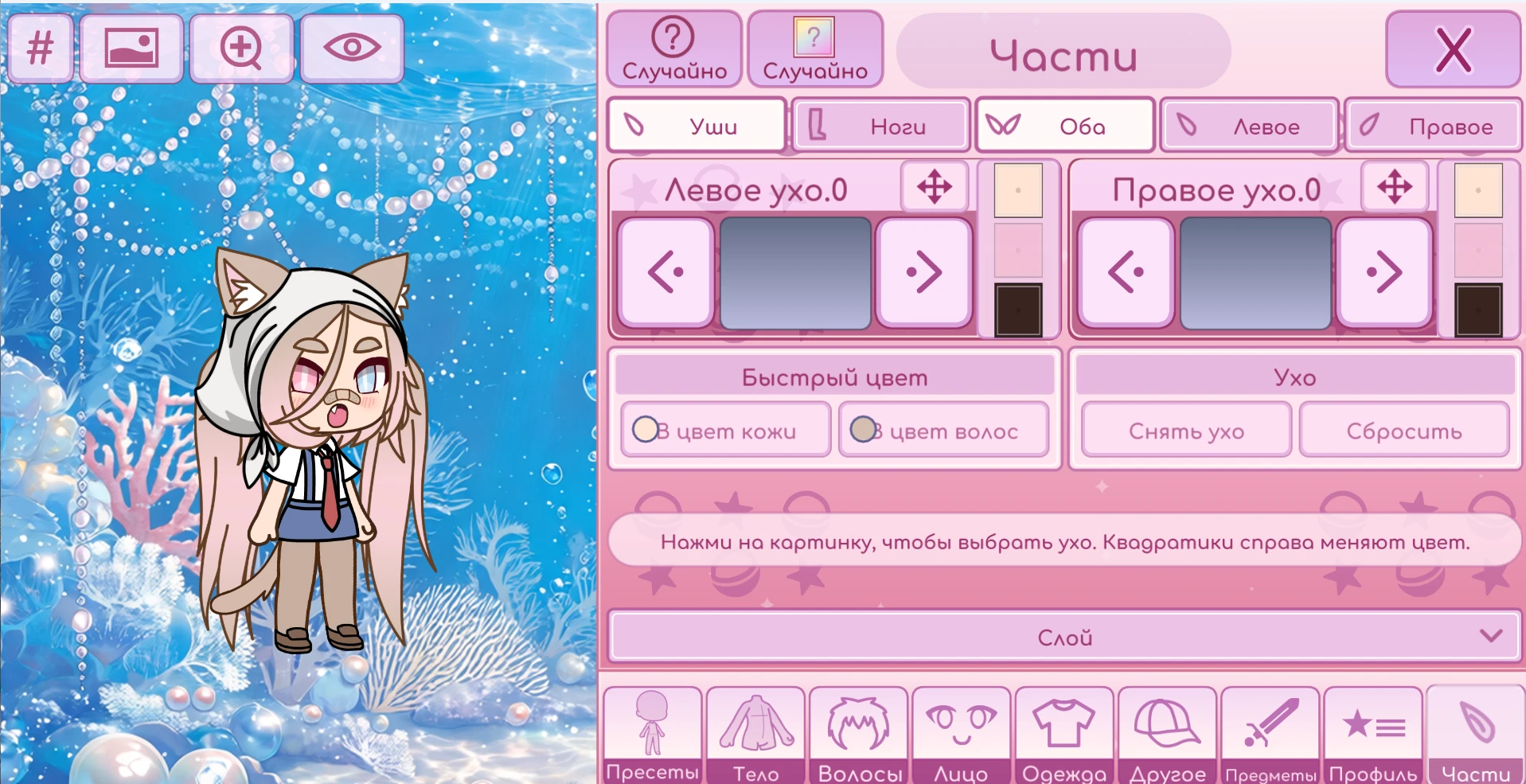
Editor layout
Based on project screenshots, the editor has two columns:
- Left side: Character Slots (thumbnails, +6 pages of slots added in this mod), and the character preview.
- Right side: Categorised customisation panels: Presets / Body / Hair / Face / Clothes / Other.
Panel overview
| Panel | Function | Sources |
|---|---|---|
| Character Slots | Left side thumbnails; +6 pages of character slots added by ChibiChu | 2 (chibichu.ru, chibichu.app) |
| Presets | Quick-start character templates | 1 (chibichu.app) |
| Body | Body shape and base type | 2 (chibichu.app, chibimods.com) |
| Hair | Hair styles and customisation | 2 (chibichu.app, chibimods.com) |
| Face | Eye, mouth, and face part selectors | 2 (chibichu.app, chibimods.com) |
| Clothes | Clothing items and layers | 2 (chibichu.app, chibimods.com) |
| Other | Accessories and other items | 1 (chibichu.app) |
| Iris / Eyes | Left eye / both eyes / right eye toggle; position, rotation, size | 1 (chibichu.app screenshot) |
| Part adjustment | Independent move and scale for hair, accessories, face parts; bounding box, X/Y, angle, size | 2 (chibichu.wiki, chibimods.com) |
| Colour | Base / Secondary / Outline; HEX input; recent / favourites; Palette / Slider / Wheel views | 2 (chibimods.com, chibichu.app) |
| My Resources | Fan guides report PNG/PSD/SVG item import; exact supported formats per build not published | 2 guides (chibimods.com, chibichu.wiki) |
| Studio | Backgrounds, props, chat, saves; background scale/rotate/mirror; text; Save PNG | 2 (chibimods.com, chibichu.app) |
| FPS | On-screen frame rate counter | 1 (chibichu.ru) |
Colour pickers
ChibiChu adds three colour picker views: Palette (preset swatches), Slider (HSL-like sliders), and Wheel (colour wheel). HEX input appears in published preview screenshots, along with a "recent colours" list and a "favourites" list.
The outline colour control is a key feature — Gacha Life does not let you change the outline colour of parts. ChibiChu does.
My Resources — importing your own images
My Resources is where ChibiChu's image import feature lives. Import transparent PNG, PSD, or SVG files and they appear as usable items in the relevant categories (clothes, hair, accessories, face parts).
PNG/PSD/SVG import is reported by chibimods.com and chibichu.wiki; the project text promises custom items from images but does not specify import formats or limits. Fan guides recommend small, transparent PNGs for clothing and accessories.
Studio mode
Studio mode is inherited from Gacha Life. You place characters in scenes, add backgrounds, props, and text, and export the scene as PNG.
ChibiChu adds background scale/rotate/mirror and lighting/camera controls according to fan screenshots. The project describes these in previews of the forthcoming update; their presence in a preview does not confirm availability in every downloadable build.
Frequently Asked Questions
How many character slots does ChibiChu have?
Can I import my own images into ChibiChu?
Does ChibiChu have keyboard shortcuts?
Sources
Last checked: .
- Telegram post 280 — Windows update preview under test
- Telegram post 290 — announced PC 28 November / Android 30 November
- Telegram post 296 — ongoing beta test and optional Boosty access
- chibichu.app — how-to-play page (panel screenshots)
- chibimods.com — features overview with screenshots
- chibichu.wiki — usage guide
- t.me/ChibiChuMod — Telegram post 280 preview